Table of Contents
ToggleHow to Automate Prior Authorization Without Replacing Your EHR
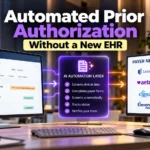
Automated prior authorization does not have to begin with a costly EHR replacement. Most providers can keep the system their clinicians already use and add a connected automation layer that handles repetitive payer checks, requests, status updates, and follow up.
The right approach protects the clinical workflow while reducing administrative work around it. Staff should still see the order, patient record, supporting notes, payer response, approval details, and next action without jumping between disconnected tools all day.
This guide explains how the connection works, which tasks should remain inside your EHR, how to compare integration options, and what to ask vendors before you buy. It also provides a practical rollout plan for provider organizations.
Keep your EHR. Remove the manual work around it.
What Does Automated Prior Authorization Mean?
Automated prior authorization uses software to complete or assist steps that staff often handle through payer portals, phone calls, faxes, spreadsheets, and repeated data entry. The goal is a faster and more visible process with fewer preventable errors.
A good system can identify whether approval is needed, find payer requirements, gather available patient and clinical data, guide missing documentation, send the request, receive a response, and place the result into the correct work queue.
Automation does not mean removing people from every decision. Clinical judgment, unusual cases, conflicting payer information, urgent changes, denials, appeals, and requests with missing documentation still need trained staff and clear ownership.
Why You Usually Do Not Need to Replace Your EHR
Your EHR already holds core information that the authorization process needs. It also supports clinician habits, order entry, patient charts, security controls, schedules, reporting, and other connections that would be expensive and disruptive to rebuild.
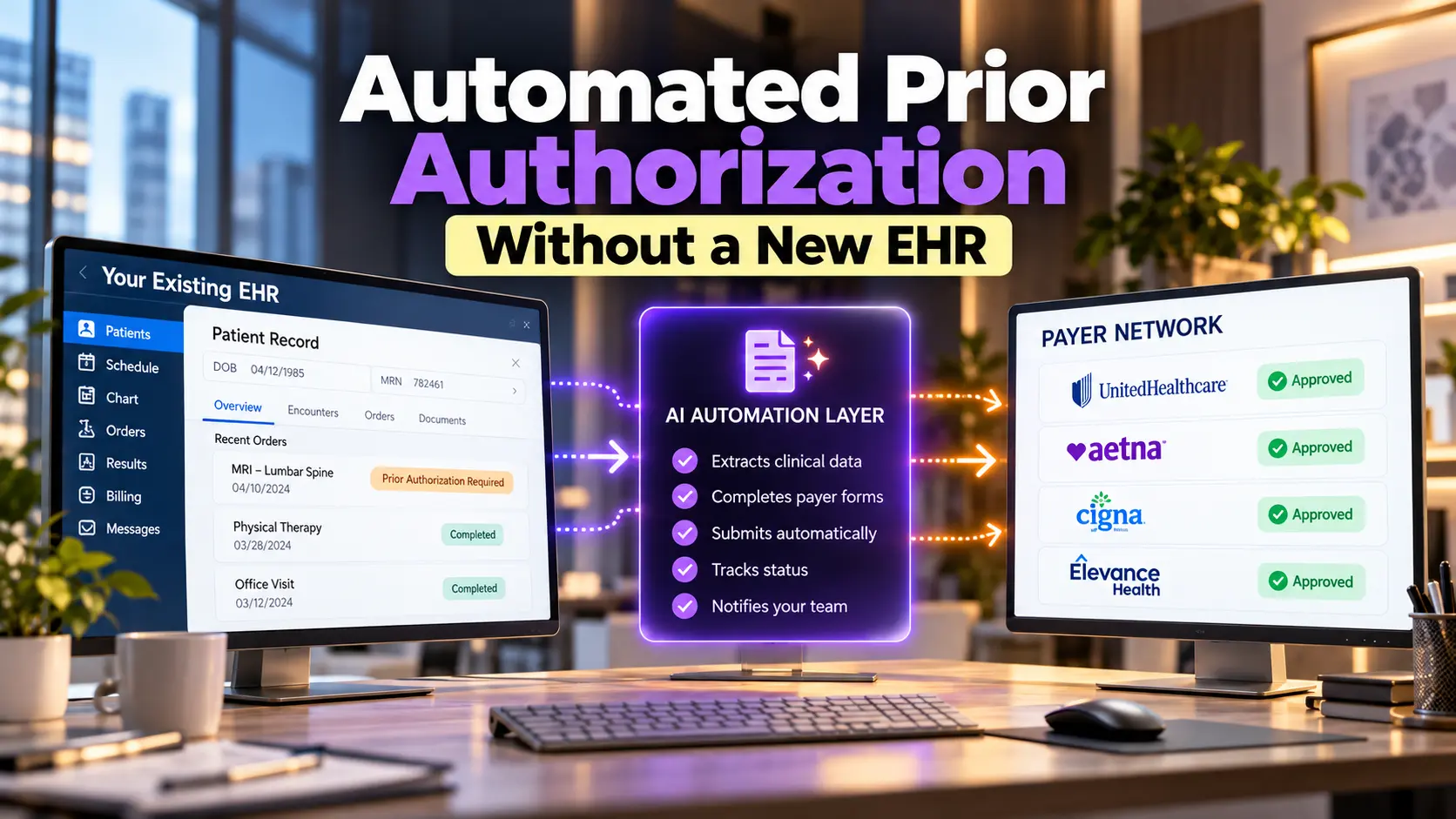
Instead of replacing that foundation, a separate solution can connect to it. The new layer reads approved data, carries out defined tasks, returns useful results, and sends exceptions to people while the EHR remains the main clinical record.
This model lowers change risk because clinicians do not need to learn an entirely new record system. The organization can improve one high burden process while protecting the technology investments, interfaces, templates, and training it already has.
What Should Stay Inside Your EHR?
The EHR should remain the source for the patient chart, clinician order, diagnosis, medical history, treatment plan, and signed clinical notes. Staff should not create a second clinical record simply to support authorization work.
The final payer response should also return to a place users can find. Approval numbers, effective dates, end dates, requested information, denial reasons, and supporting messages should connect with the order, schedule, or patient account.
Keep clinical decisions with authorized users. A connected solution may suggest a documentation gap or code mismatch, but the provider and qualified staff remain responsible for the record, the ordered care, and the information sent to the payer.
What Should the Automation Layer Handle?
The automation layer should handle repeatable tasks that consume time without adding clinical value. These tasks include checking coverage, locating payer requirements, opening portal sessions, moving data, attaching documents, tracking status, and routing responses.
It should also show one current status for each request. Staff need to know what was submitted, when it was sent, what the payer returned, who owns the next action, and when the case needs escalation.
Good automation captures an audit trail. The record should show which user or system completed each action, what data was sent, which documents were attached, what response arrived, and whether a person reviewed an exception.
Four Ways Automation Can Connect With Your EHR
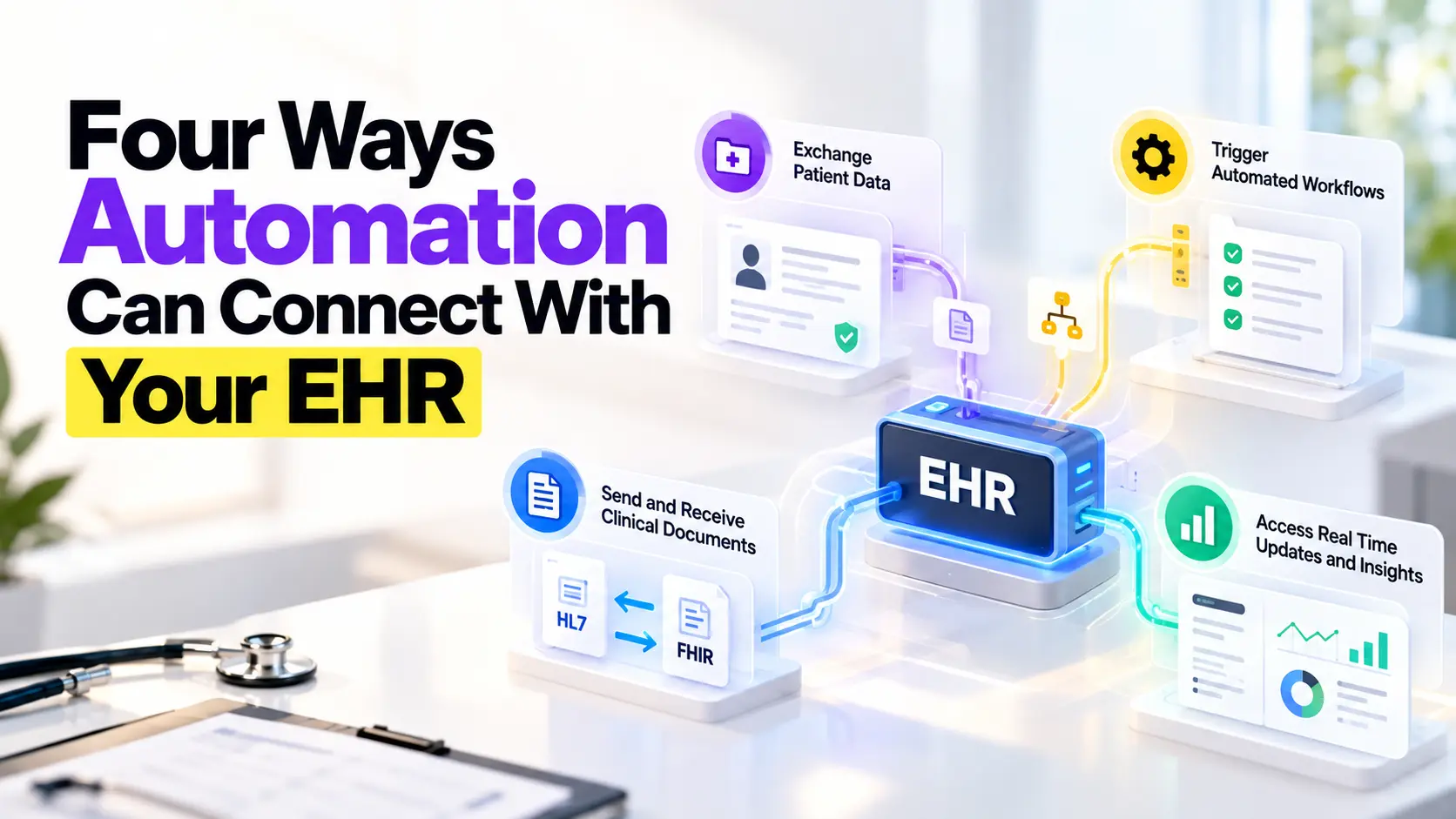
There is no single connection method that works for every EHR and payer. Providers may use direct interfaces, standard payer APIs, browser based portal automation, secure file exchange, or a mix of these methods.
The best model depends on vendor support, payer capability, request volume, data quality, security rules, and the services being authorized. A buyer should evaluate real workflows rather than choosing a product because it uses a popular technical label.
Ask the vendor to explain what happens when a connection fails. A safe design should detect the error, protect data, prevent duplicate requests, alert the correct person, and offer a controlled manual path when needed.
Direct API Integration
A direct application connection lets approved systems exchange structured information. It can reduce repeated entry and return payer requirements or decisions into the provider workflow without asking staff to sign into a separate portal.
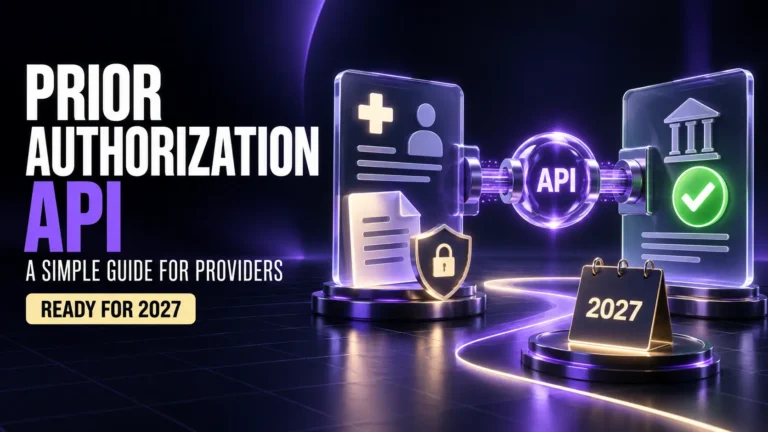
FHIR based payer connections will become more important as certain health plans implement federal requirements beginning in 2027. These connections can support requirement discovery, documentation needs, electronic requests, and clear payer responses.
EHR prior authorization integration should be judged by the user experience as well as the technical connection. Staff must be able to review the information, add missing details, follow status, and act on exceptions without losing context.
Browser and Portal Automation
Many payers still rely on web portals. Browser automation can sign into an approved portal, move information from the provider system, attach records, submit a request, capture confirmation, and check for updates based on defined rules.
This approach can provide value before every payer offers a modern interface. It can also cover plans that are outside federal API requirements or that reach technical readiness on a different schedule.
Portal automation needs careful monitoring because payer pages can change. The vendor should explain how it detects layout changes, protects login details, handles multifactor authentication, prevents duplicate submissions, and confirms that each request reached the right patient.
A Hybrid Integration Model
A hybrid model uses the best available path for each payer. It may use a direct API for one plan, portal automation for another, and a guided manual queue for a payer or service that cannot support a reliable connection.
Hybrid design is often the most practical starting point. Providers rarely work with one payer or one technology standard, and they need a process that keeps operating while the market moves toward broader electronic exchange.
The user should not have to remember which connection each payer supports. Routing rules can select the approved method, while staff see a consistent status and exception queue across the organization.
Start With Eligibility and Patient Matching
Automation depends on matching the right patient to the right coverage. An incorrect member number, outdated plan, wrong payer product, or missing coordination of benefits detail can send a request down the wrong path.
Use automated insurance eligibility verification before authorization work begins. Early checks help confirm active coverage, member details, payer identity, and information that can affect the requirement.
When a match is uncertain, stop the automated path and route the case for review. A fast submission is not useful when it reaches the wrong payer or carries information for the wrong coverage period.
Discover Payer Requirements Early
The process should determine whether approval is required before the service is scheduled or delivered. Staff often lose time searching payer sites, reading policy pages, calling plans, and comparing the answer with the patient benefit.
Connected systems can present coverage and documentation requirements near the order. This allows the team to see what the payer needs while there is still time to gather records and answer patient questions.
Rules change, so every answer needs a source and date. The solution should show where the requirement came from and how staff can confirm it when the service, plan, or clinical situation does not fit the normal path.
Collect the Right Clinical Documentation
Payers may request recent notes, test results, treatment history, symptoms, failed therapies, imaging, measurements, or a reason the service is medically necessary. The automation should identify which available records match those needs.
It should not send the entire chart by default. A focused submission can protect patient information and help the payer find the relevant evidence, while an oversized record may hide the facts that support the request.
Use AI medical coding to support code review when the documentation provides the required facts. Human review remains essential because software should not invent a diagnosis, missing laterality, or unsupported clinical detail.
Submit Requests and Receive Responses
Before submission, an authorized user should be able to review patient details, payer information, ordered service, diagnosis, urgency, clinical records, and required statements. High risk cases may need a second review based on organization policy.
The system should record the submission time and return a reliable confirmation. Payer responses may approve the request, deny it with a reason, or ask for additional information needed to make a decision.
Use the automated prior authorization solution to keep these responses visible and route them to the right team. Staff should not have to search multiple portals to learn whether a patient can move forward.
Track Status, Denials, and Follow Up
A submitted request still needs active tracking. The system should show pending cases, payer requests, nearing deadlines, approvals, denials, cancellations, duplicate attempts, and technical failures in a clear work queue.
A strong prior authorization workflow assigns an owner and next action to every exception. Requests for more information should go to the person who can answer, while denials should move to correction, discussion, or appeal.
Dashboards should support action rather than decoration. Teams need filters by payer, service, location, clinician, age, status, denial reason, and revenue risk so managers can remove bottlenecks before they delay more patients.
Protect Patient Data and Control Access
The solution will handle protected health information, payer credentials, clinical documents, and authorization decisions. Security review should cover encryption, user access, audit logs, data retention, backups, incident response, and the vendor agreement.
Use the least access required for each role. Clinicians, authorization staff, schedulers, billers, managers, and vendor support teams do not all need the same permissions or the same view of the patient record.
How to Compare Prior Authorization Vendors
Confirm how the system separates customers, manages portal credentials, reviews automated actions, and removes access when a staff member leaves. Security should be built into normal operations rather than added after launch.
A Practical Implementation Plan
Ask every vendor to demonstrate your real high volume cases from order to payer decision. Marketing screens are not enough. The demonstration should include missing data, a payer request, a denial, a technical failure, and a manual fallback.
How to Measure Results and Return
During implementation, begin with one service group, a limited payer set, and a trained user team. Map the current process, set a baseline, configure rules, test patient matching, validate submissions, and compare automated results with payer records.
Measure turnaround time, staff touches, portal logins, first pass completeness, requests for more information, approval rate, denial rate, appeal rate, delayed services, claim rejections, and hours spent per request.
Compare results by payer and service because averages can hide problems. One connection may work well while another creates exceptions. Use the data to improve templates, routing rules, training, and payer discussions.
Common Automation Mistakes to Avoid
A healthcare automation platform should create measurable time savings without weakening controls. Count the hours returned to staff, but also watch patient wait time, accuracy, duplicate requests, privacy events, and downstream claim performance.
Do not automate a broken process without first defining ownership and removing obvious gaps. Otherwise, the system may move incomplete information faster while staff remain unsure who should respond.
Avoid making the automation tool a new isolated inbox. Results must reach scheduling, clinical staff, and billing. Use healthcare revenue cycle automation to connect authorization status with the wider patient and payment journey.
How Xoodoc Fits Around Your Current EHR
Xoodoc can work around your current EHR by connecting data, payer tasks, and human review without asking the organization to rebuild its clinical foundation. Review the official CMS provider guidance, confirm vendor readiness, and start with a controlled pilot.
Frequently Asked Questions
Can prior authorization be automated without replacing the EHR?
Yes. A connected solution can read approved data from the current EHR, handle defined payer tasks, and return status and decisions while the EHR remains the main clinical record.
What information should remain in the EHR?
Keep the patient chart, clinician order, diagnosis, history, treatment plan, signed notes, and final clinical decisions in the EHR.
How can automation connect with payer portals?
It may use direct APIs, browser automation, secure data exchange, or a hybrid model that selects the best available method for each payer.
Will automation approve every request instantly?
No. Some requests still need clinical review, more information, payer discussion, or an appeal. Automation should route these cases to trained staff.
What should providers ask a vendor before buying?
Ask about EHR support, payer coverage, workflow fit, security, testing, failed transactions, duplicate prevention, manual fallback, training, implementation time, pricing, and measurable results.
Where should a provider begin?
Start with one high volume service group and a limited payer set. Measure the current process, test real cases, train a small team, review errors, and expand only after the pilot is stable.